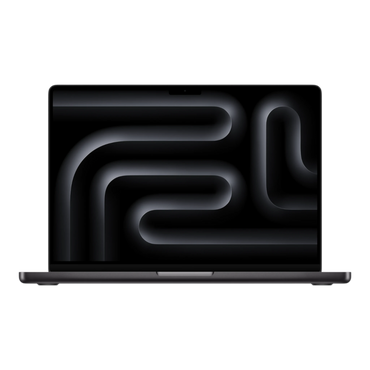
Every Mac and iPad Pro at alAsil runs Apple silicon, from M1 to the latest M5. Two questions decode the whole family: which generation, and which tier?
Generations: M1 to M5
Each generation brings more speed and efficiency than the one before. The practical rule: any M-series chip handles everyday work brilliantly; newer generations buy you extra years of smooth performance and better value when you resell. At alAsil you can browse by generation: M1, M2, M3, M4 and M5.
Tiers: base, Pro, Max, Ultra
| Tier | Found in | Meaning |
|---|---|---|
| Base (M1..M5) | MacBook Air, iPad Pro, Mac mini, 14" MacBook Pro | Everyday to creative work |
| Pro | MacBook Pro 14/16, Mac mini | More CPU/GPU cores for developers and editors |
| Max | MacBook Pro 14/16, Mac Studio | Heavy video, 3D, machine learning |
| Ultra | Mac Studio | The most powerful Apple silicon, workstation class |
How to choose
Browsing, office, study: any base M chip; even M1 remains quick. Photo and light video: base M3 to M5. Professional daily editing, coding at scale, 3D: Pro or Max. Studio-grade workloads: Max or Ultra in a Mac Studio.
FAQ
Is M5 worth it over M4? If the price gap is small, buy the newer chip for longevity; if the M4 deal is strong, it remains an excellent buy.
Do core counts matter? Yes, and alAsil product titles list CPU and GPU cores exactly, so two same-chip models are easy to compare.
Where do I start? The Mac collection shows every line; guides for laptops and desktops are here on the blog.